
Standard hardwired Parking Mode
Simple Parking Mode for most daily-driven vehicles
Records while parked, then stops at its cutoff.
Included with eligible standard Dashcam installationChoose This Option
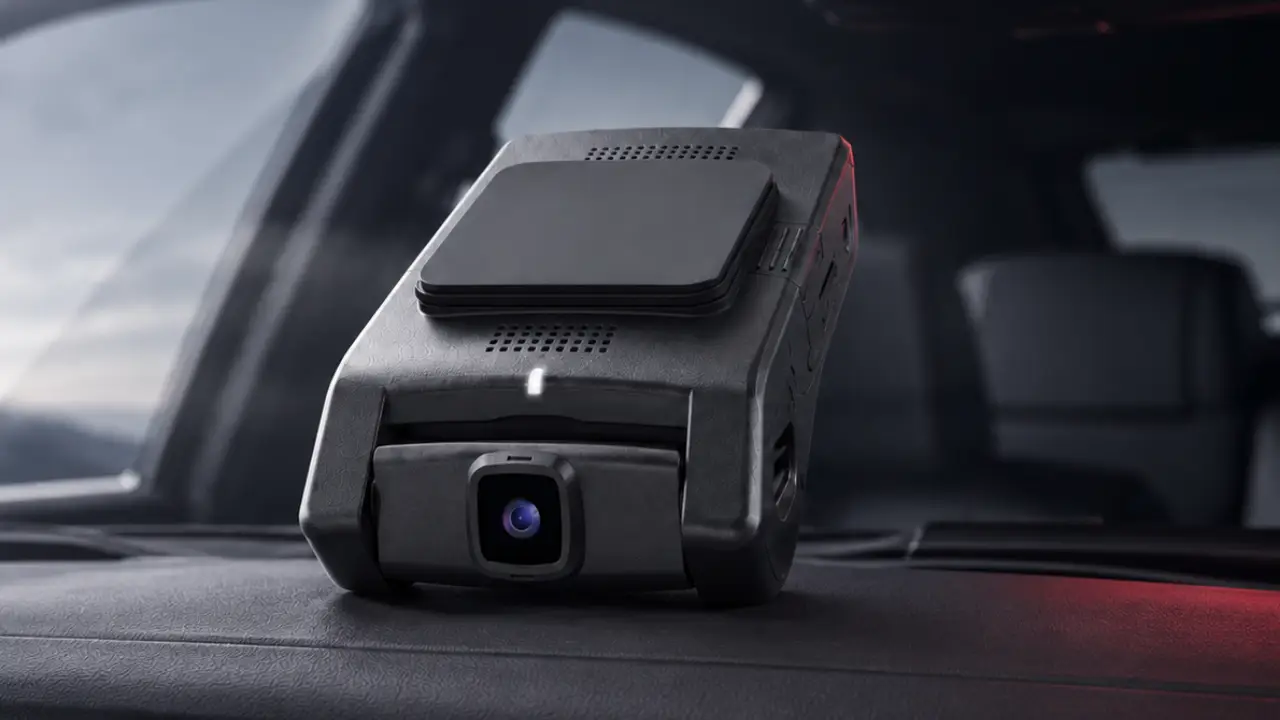
Parking Mode lets a compatible Dashcam keep recording after you shut the vehicle off. Choose standard hardwired Parking Mode or add a dedicated battery for less reliance on the vehicle battery.
Compare two options for your routine.
Simple Parking Mode for most daily-driven vehicles
Records while parked, then stops at its cutoff.
More parked recording + less reliance on vehicle power
Optional BlackVue power that recharges while driving.

No parking recording needed
Records while driving; turns off with the vehicle.
A compatible Dashcam keeps monitoring or recording after you turn the vehicle off.
It needs hardwired power or a parking battery. Basic outlets may switch off.
It records activity. It does not prevent theft or damage.

Good forFocused footage around an impact or event.
What to knowPre-event footage depends on the camera and mode.

Good forRecords detected movement around the vehicle.
What to knowBusy areas can create more recordings.

Good forContinuous recording at fewer frames per second.
What to knowPlayback differs from normal-speed video; audio and detail can differ.

Good forLonger standby using less power.
What to knowSome modes take a moment to wake and may miss footage before the event.

Good forPhone alerts or easier remote access to footage.
What to knowRequires connected service and cellular or internet access.
Modes vary by camera. We explain yours at handoff.
Local parking recording with ECO ModeRadar-assisted ECO Mode reduces power use. M8 Max offers 4K front / Full HD rear, nearby Wi-Fi, and GPS. No LTE in this package.
About Momento Connected parking features
XC2 can add DroneMobile remote viewing, alerts, GPS, and event previews with active connected service.
About Drone XC2 More Parking Mode choices + optional battery
Different parking modes, Cloud options, and an optional dedicated battery.
ELITE 10 Power Saving Mode does not record continuously or save footage before an event.
About BlackVue Charge while drivingPower the camera while parked
It charges while you drive, then powers a compatible BlackVue after you park.
Limited capacity; short drives may not fully recharge it. No overnight or multi-day guarantee.
We’ll confirm compatibility with the selected BlackVue system and installation.
Add a Parking BatteryIt depends on your camera, mode, driving routine, and power source.
We do not promise a specific number of parked hours.
Front and rear cameras leave side blind spots. Adding an interior camera does not provide 360-degree exterior coverage.
Lighting, angle, glass, tint, weather, and obstructions affect what it captures. No camera guarantees a readable plate or face.
Compare Three-Camera Options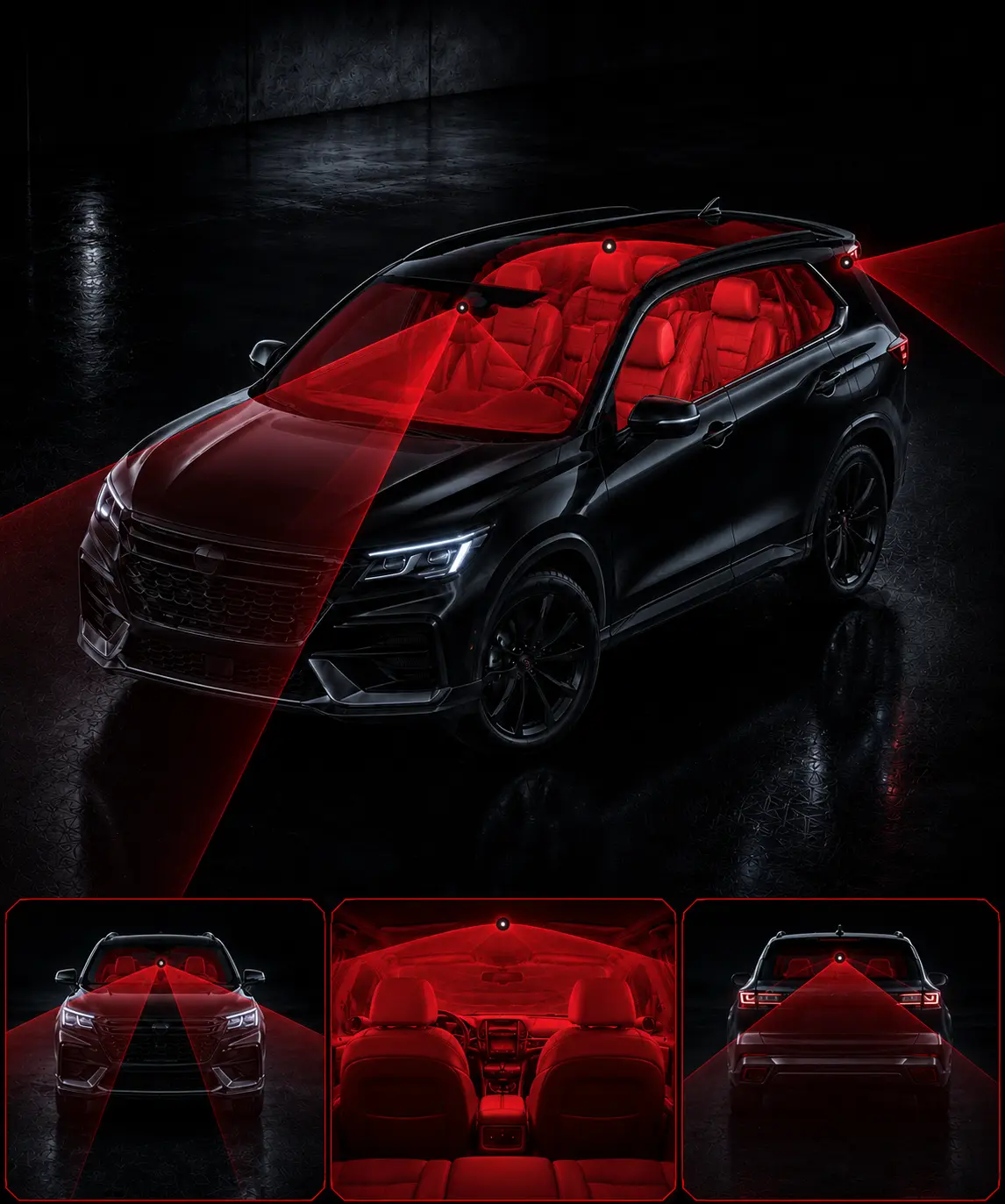

Video saves to the memory card. Use nearby Wi-Fi for app playback and downloads.

XC2 and BlackVue options add remote viewing, alerts, GPS, and Cloud access.
Requires matching equipment, power, account permissions, service where required, and internet or cellular access.
Alerts and uploads are not guaranteed. Local video is separate; previews may omit footage.
Choose your camera, views, and connected features.
Standard hardwire, dedicated BlackVue battery, or driving-only recording.
Camera placement, concealed wiring, settings, and camera testing.
Learn the app, saving footage, and Parking Mode.
Vehicle and camera determine installation. Placement must preserve your view.
Plan My Parking ModeDisclose audio/interior recording and obtain required consent. Turn audio off if unsure. Protect footage and account access.
Recording and insurance outcomes aren’t guaranteed. Product and installation warranties differ. Momento / Drone warranty · BlackVue warranty
 Document
Records within its camera views.
Explore Detect
Responds to supported threats.
Explore Locate
Supports location and recovery.
Explore Authorize
Helps prevent unauthorized driving.
ExploreRecording and GPS location do not prevent vehicle theft.
Yes, with Parking Mode and hardwired power or a parking battery. Ordinary outlets may turn off.
It uses power. Hardwired systems have a cutoff; a dedicated battery reduces reliance on vehicle power.
No fixed runtime. Hardwire stops at its cutoff; a parking battery stops when depleted. Activity and driving time matter.
No. Standard hardwire works for many customers. The optional BlackVue battery is $499 installed or as low as $83/mo, with more parked power and less vehicle-battery reliance.
Impact captures events, motion captures movement, time lapse compresses time, and low-power modes wait for activity. Camera choices vary.
Some modes save footage before an event. Low-power and wake-on-impact modes may not.
Connected features and service are required. Alerts can fail or arrive late while video saves locally.
Many can. Installation depends on the exact vehicle, Dashcam, and power method.
Possibly, within its view. Interior cameras still leave side blind spots.
We’ll review the Dashcam, Parking Mode setup, and options you want, then prepare a written installed quote.
244 North Main Street
Raynham, MA
Monday–Friday · 9 AM–6 PM
Check your vehicle and request details in the form before sending.
Form not loading? Open the contact form in a new tab.
244 North Main Street · Raynham, MA 02767
Monday–Friday · 9 AM–6 PM
See what each camera view adds and where blind spots remain.
Read article