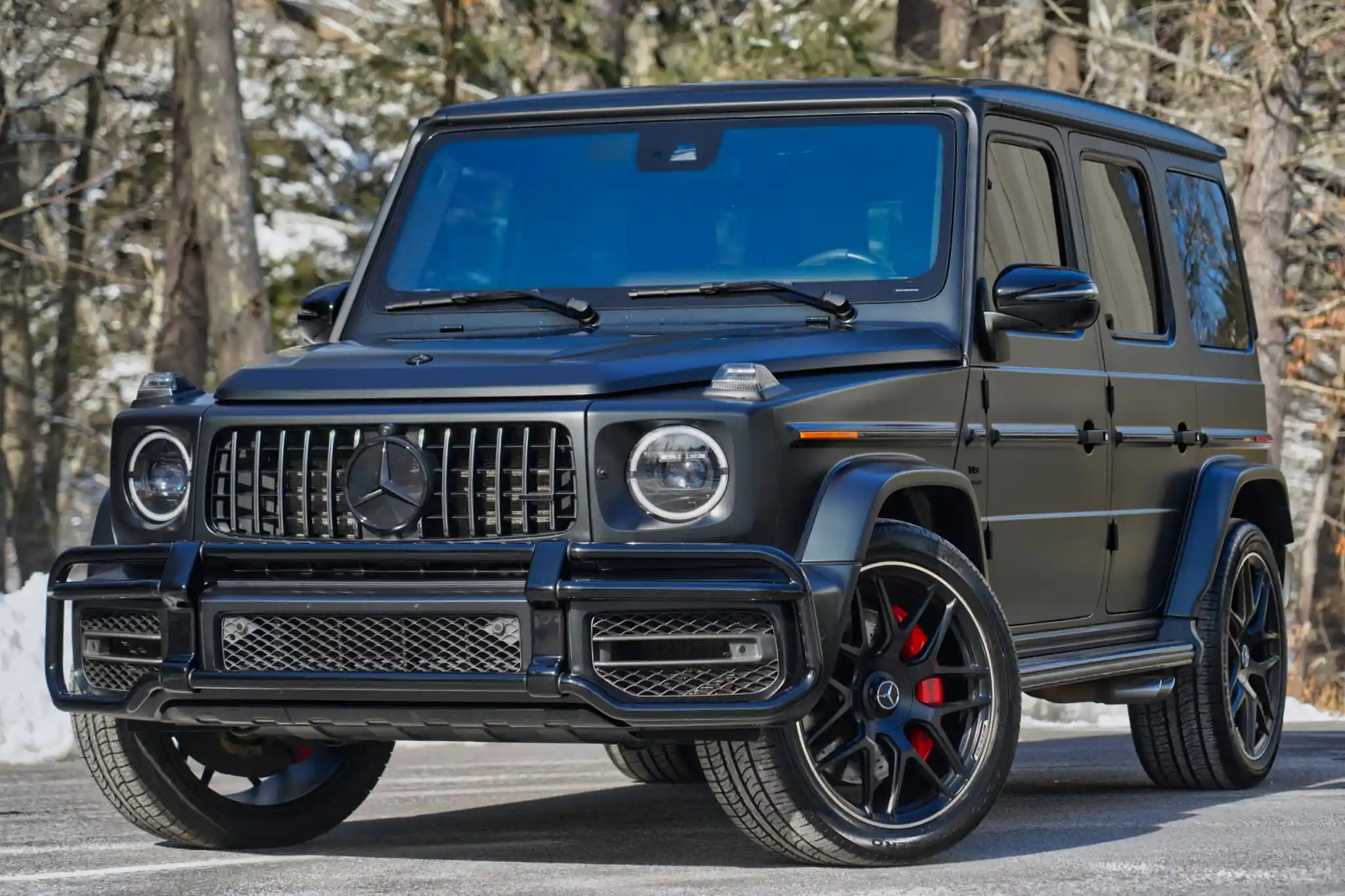

Black Bentley Bentayga
Comfort. Control. Vehicle security.

About Compustar
Security &
Remote Start

Start the cabin warming before you leave. Know your vehicle received the command. Add security that fits where you park. Compustar brings those choices together in a system built around your vehicle.

Talk to the shop · 617-431-6858
Compustar PRO DealerProfessional equipment & installation
Planned for your vehicleFeatures confirmed before installation
Raynham, MassachusettsServing Southeastern MA & Rhode Island
Start with what you need

One platform. Different ways to use it.

Compustar is an aftermarket vehicle electronics platform. On compatible vehicles, it can add Remote Start, lock and unlock, supported trunk release, security sensors, and different ways to control the vehicle or hear back from it.

You choose the job. We match the equipment.

The controller, remote, security equipment, optional DroneMobile hardware, and vehicle determine what is included. Not every setup includes every feature.

Comfort, security, or both

What do you want Compustar to do?

Remote Start

“I want to prepare the cabin before I get in.”

Start from a compatible remote, with available longer range, two-way confirmation, or smartphone control. Heating, cooling, heated seats, and other comfort functions depend on the vehicle.

Explore Remote Start

Car Security

“I want the vehicle to detect trouble and respond.”

Add Impact + Tilt Detection, supported opening detection, and an audible alarm. Choose remote feedback or connected alerts. Glass Break Detection is an optional +$75.

Explore Car Security

Remote Start + Security

“I want comfort and security planned together.”

Compatible systems can combine both functions in one planned installation. We check the vehicle and your priorities before recommending the equipment.

Build My Compustar System

Not sure which direction fits?

Tell us what you drive, where you park, and what you want the system to do.

Help Me Choose
Know what you’re choosing

How do you want to control it?

Choose how you want to reach the vehicle. A different remote changes communication, not the sensor coverage included with your alarm.

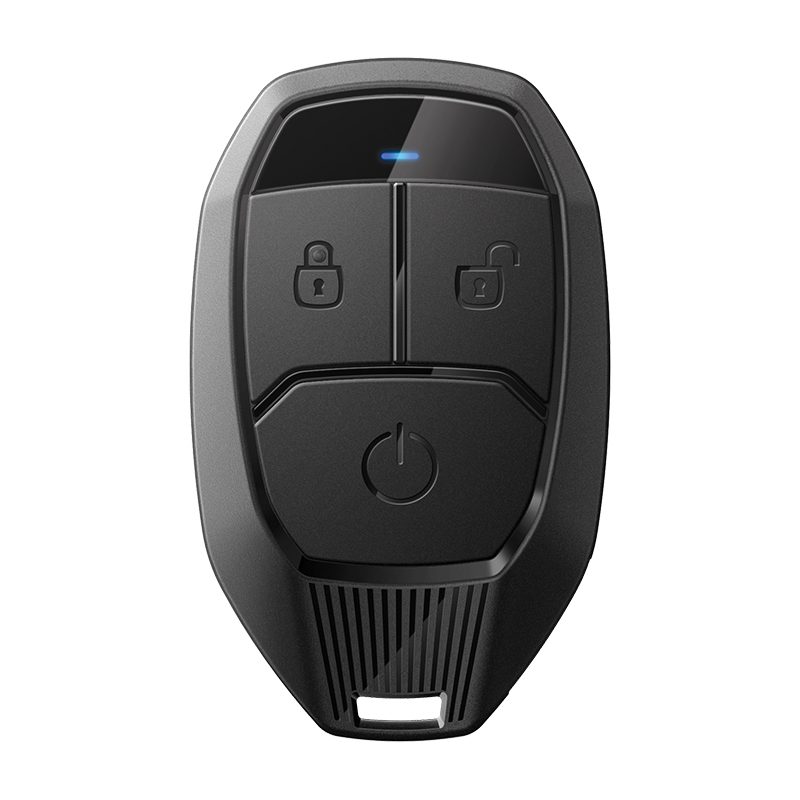
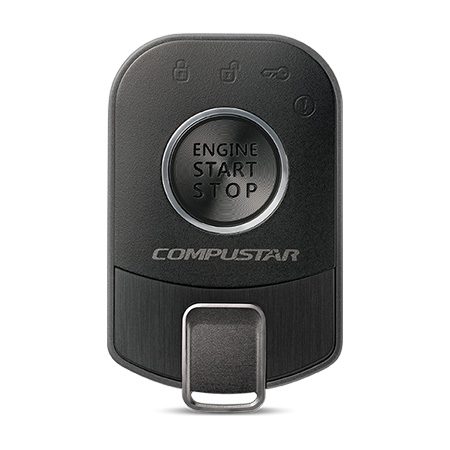
Compustar PRO 1WG18 one-way remote
Simple control

1-way remote

Sends your command to the vehicle without return confirmation or alarm-event feedback. PRO 1WG18: up to 1,500 feet advertised maximum.

Shown: PRO 1WG18

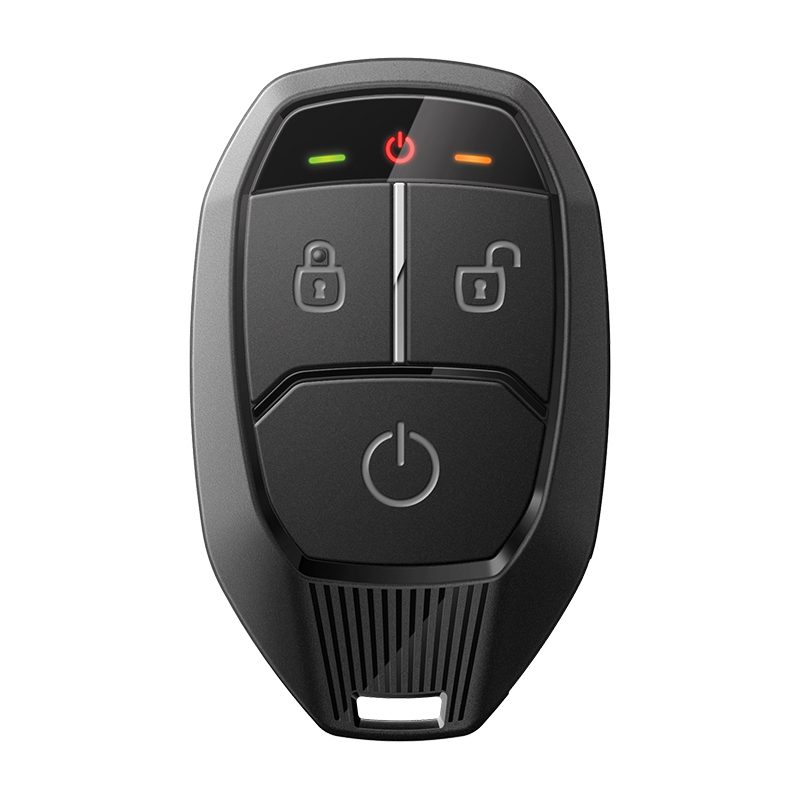
Compustar PRO 2WG18 two-way remote
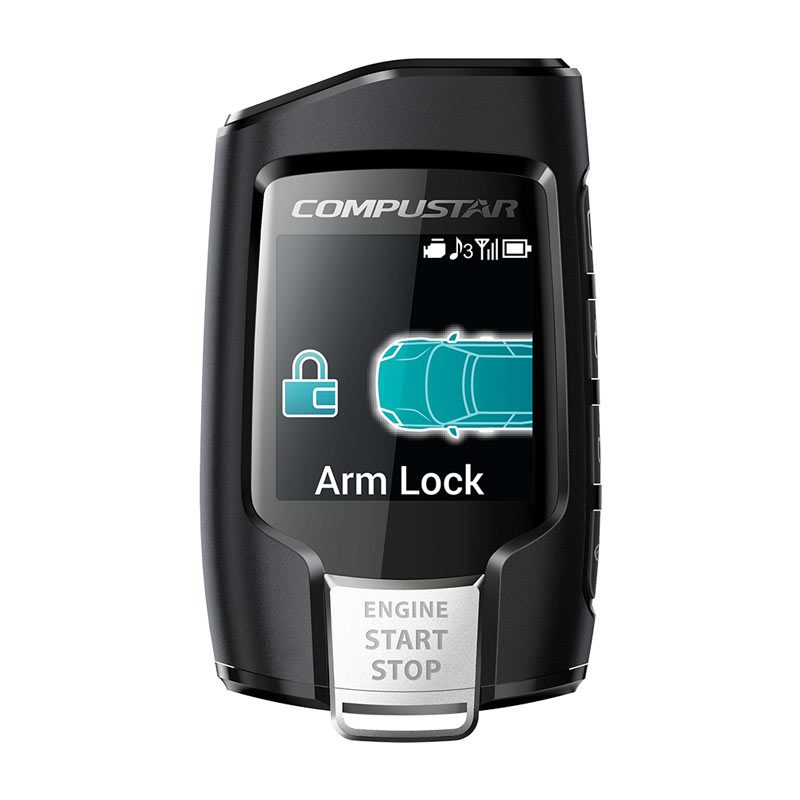
Compustar Q9 two-way LCD remote
Remote confirmation

2-way remote

Returns supported confirmation within working radio range. PRO 2WG18 uses LED feedback; Q9 uses an LCD screen. Each has up to 3,000 feet advertised maximum range.

Shown: PRO 2WG18 & Q9 LCD

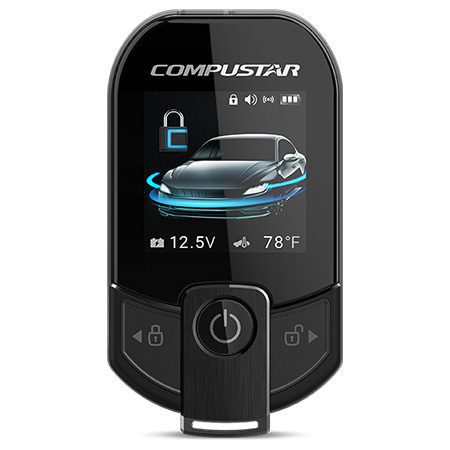
Compustar PRO T13 full-color LCD two-way remote
Compustar PRO R5 companion remote
Long traditional RF range

Long-range T13

A premium optional remote upgrade with a full-color LCD T13 and compact R5 companion. T13: up to 3 miles advertised maximum. R5: up to 2 miles advertised maximum. Actual range varies.

Shown: PRO T13 & PRO R5

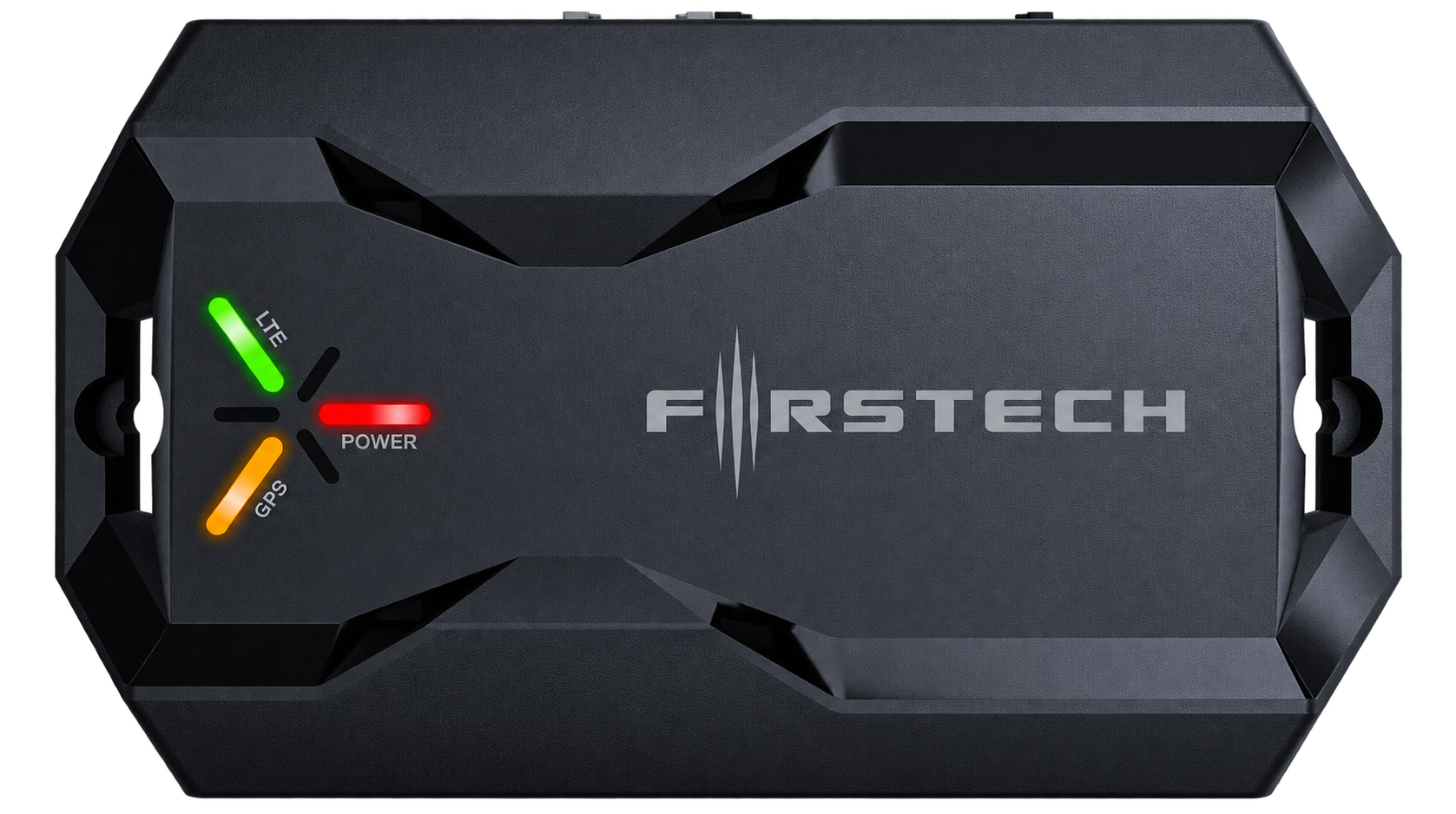
DroneMobile X2 connected vehicle hardware
Connected phone control

DroneMobile

Uses compatible cellular hardware and active service to communicate through your phone beyond normal RF remote range.

Shown: DroneMobile X2

The T13 upgrade

Long range, without a cellular plan.

The non-LTE Compustar PRO RF-P2WT13-SF kit includes the T13, R5 companion remote, and ANT-2WSF antenna. DroneMobile is not included or required for normal RF operation, and normal RF use does not require a cellular subscription.

Your quote confirms the actual current kit, compatible setup, and vehicle-specific installed price. Compare complete Remote Start packages.

Think about where you park

Range is about how you use the vehicle.

01 · CLOSE BY

In the driveway.

For nearby home or work parking, straightforward remote control may do everything you need.

02 · FARTHER AWAY

Across the lot.

Office buildings, apartments, and distant parking make two-way feedback and longer-range RF more useful.

03 · BEYOND RF RANGE

From your phone.

DroneMobile can reach beyond normal key-fob range when compatible hardware, active service, power, and connectivity are available.

Advertised range is not guaranteed everyday range. Buildings, concrete, metal, interference, line of sight, terrain, weather, surroundings, vehicle location, and remote battery condition can affect performance.

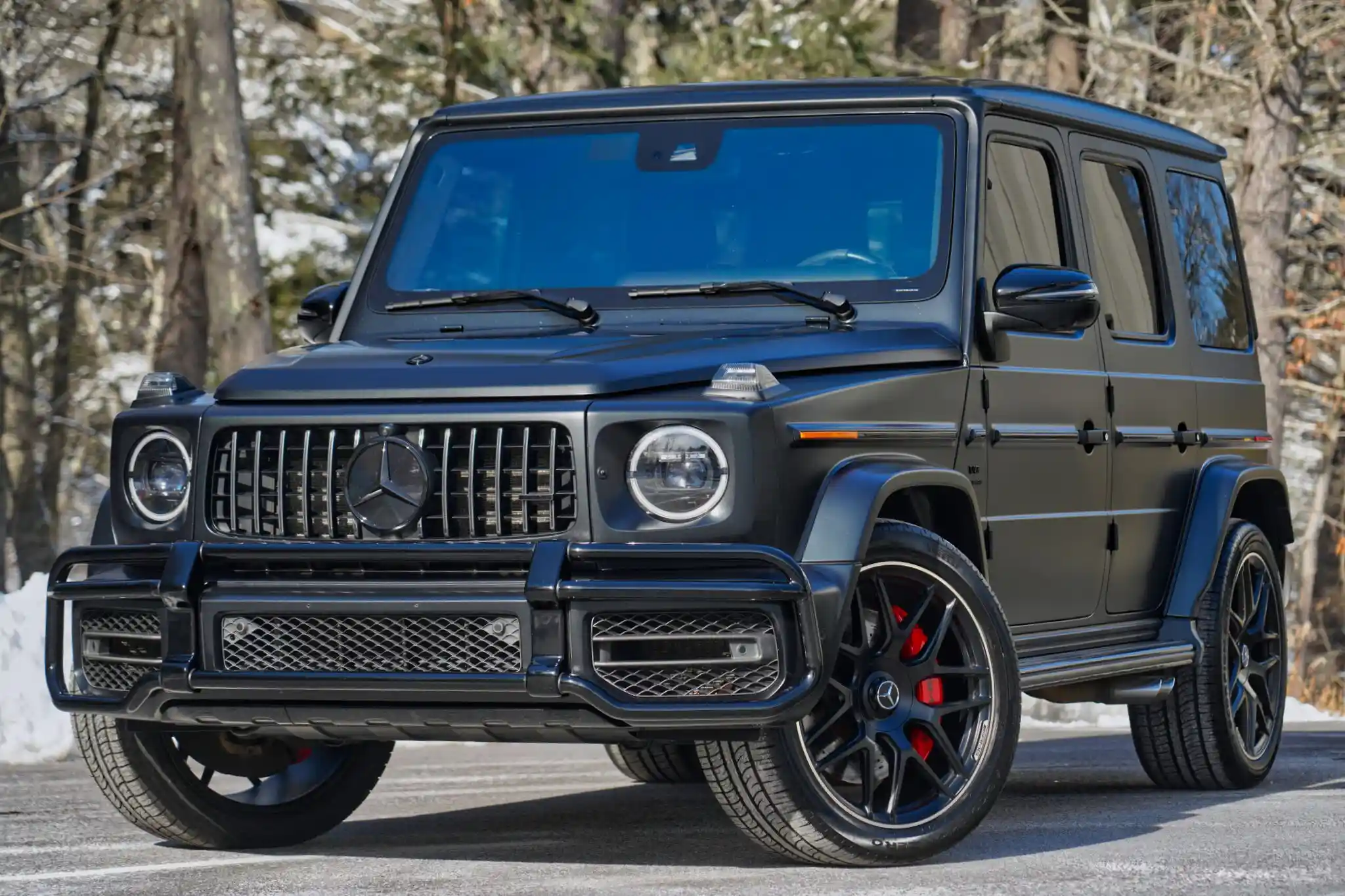
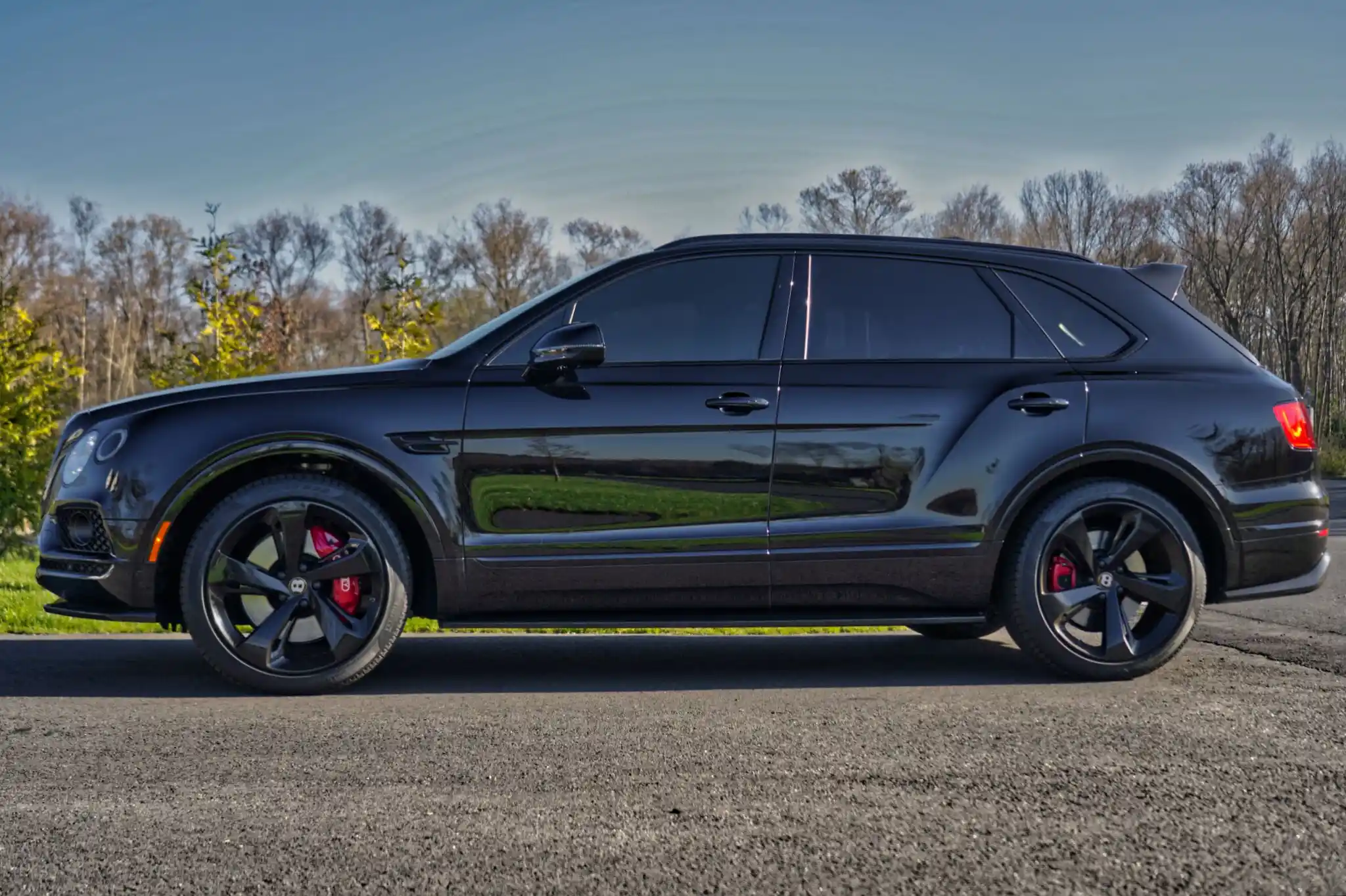
Matte black Mercedes-AMG G 63
A different way to reach your vehicle

When a remote isn’t enough.

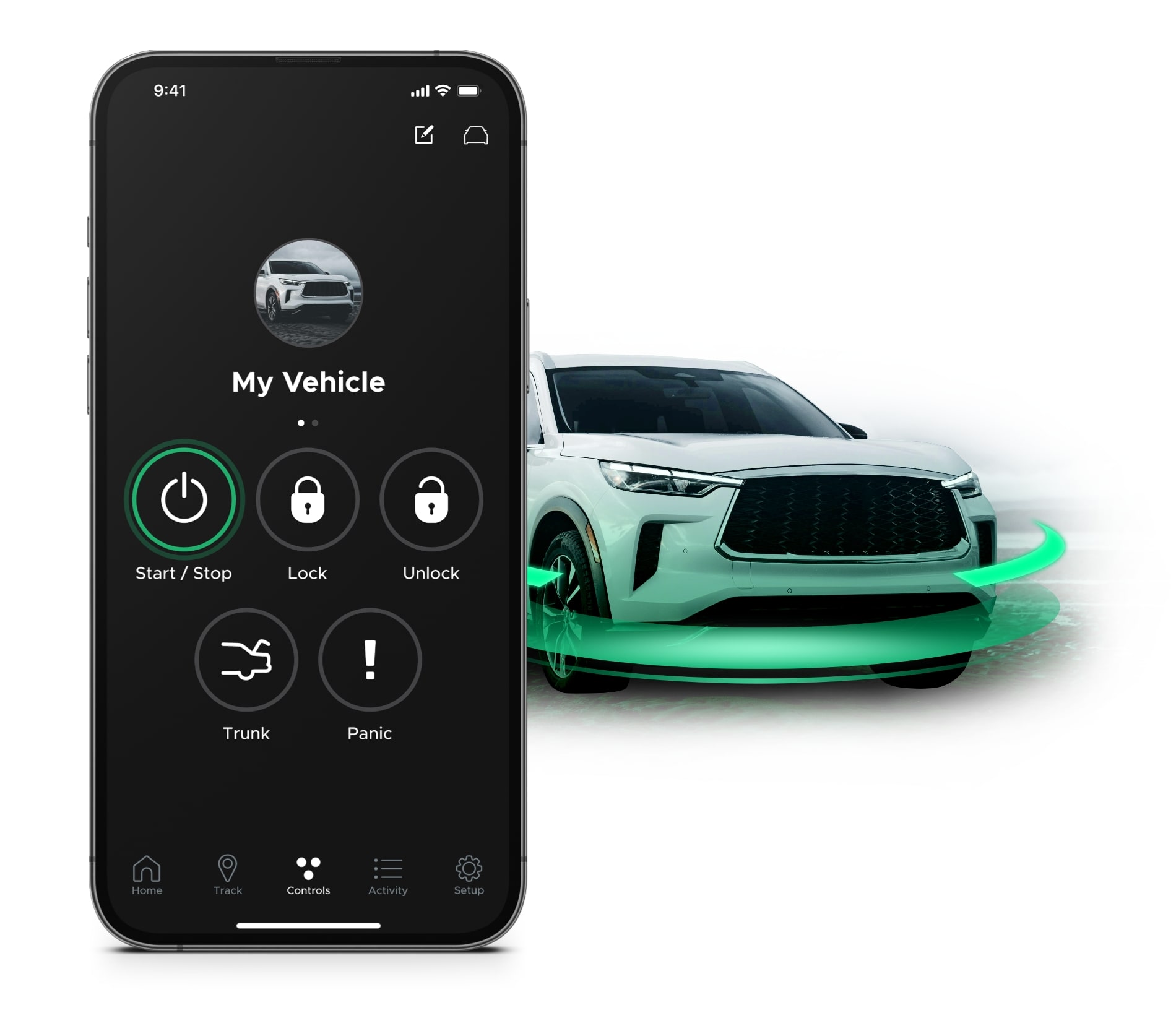
DroneMobile connects compatible Compustar systems to a supported smartphone through cellular service. Depending on your installed system, vehicle, hardware, and active plan, you can use supported remote start, lock and unlock, security alerts, and vehicle status.

For phone-based comfort and convenience, explore DroneMobile Vehicle Control. Connected commands require a compatible system, an account, active service, available LTE, and phone access and permissions.

GPS is a separate plan and hardware decision. Location, trip history, and other tracking features are not automatically included with phone control or alarm alerts.

Cellular coverage and notification delivery are not guaranteed. Keep your physical remote for quick everyday control.

Learn About DroneMobile Alerts & Tracking
Official DroneMobile illustration of smartphone control alongside a vehicle
Choose the response

Compustar can do more than Remote Start.

Start with the response you want. These are the three current Car Security packages, with vehicle-specific installation confirmed before booking.

Local response

Essential Security

Starting at$449installed

Audible alarm response and 1-way control.

Remote feedback

2-Way Security

Starting at$599installed

Adds supported confirmation and alerts on a 2-way remote.

Phone communication

Connected Security

Starting at$799installed

Q9 + DroneMobile X2 brings supported security alerts to your phone. An eligible active plan is required after the included trial.

Remote Start is planned separately or combined where compatible. A remote with a start button does not make an alarm-only installation a remote starter.

Compare Car Alarm Packages
Know what sets it off

Choose detection for your concerns.

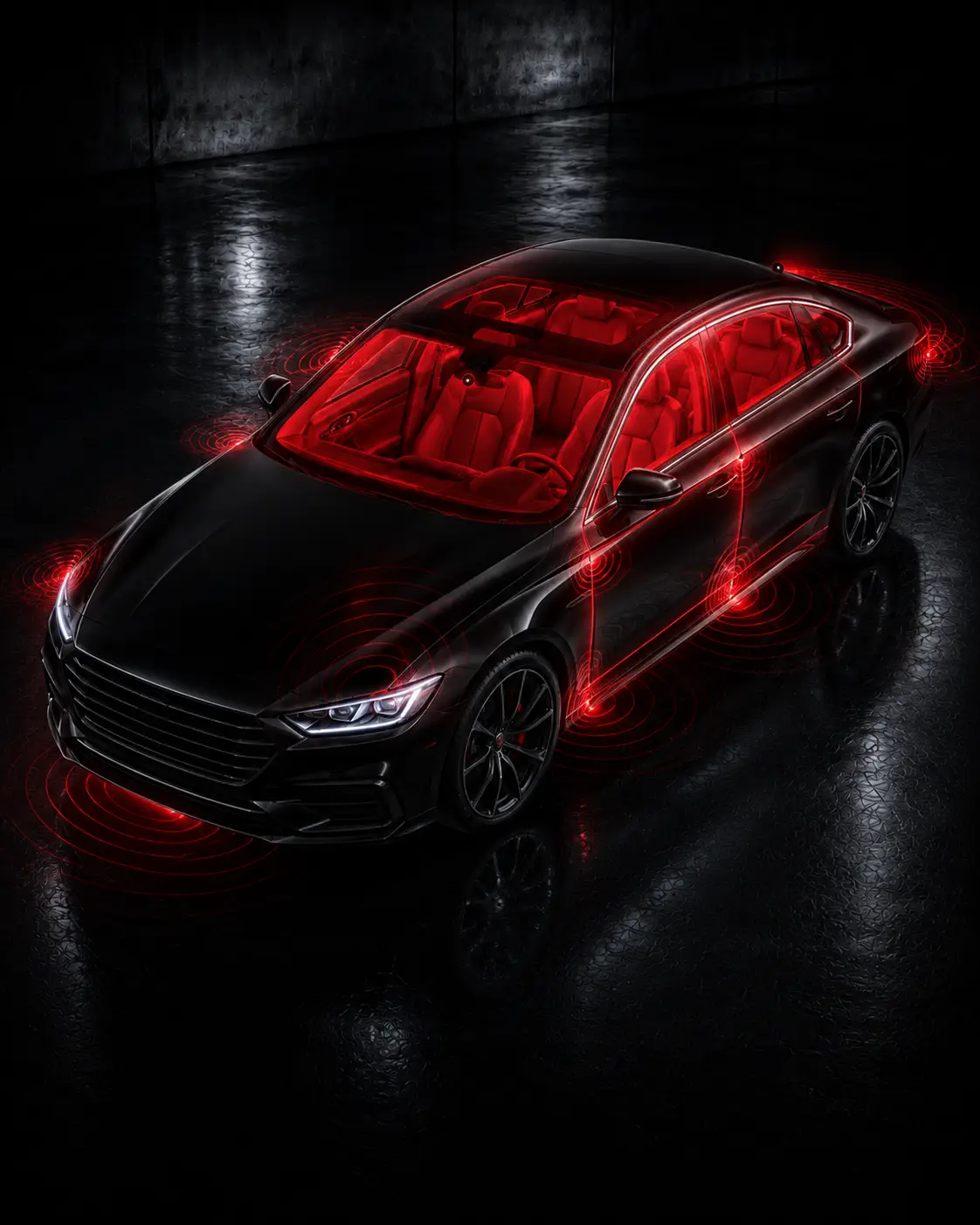
Illustration of a vehicle with highlighted alarm detection areas
Standard · Impact + Tilt Detection
Helps detect supported impacts and changes in vehicle angle. Supported openings and alarm behavior are confirmed for the vehicle.
Optional · Glass Break Detection +$75
Adds detection for supported glass-break events.
Specialty · Vehicle-specific quote
Other detection is reviewed for the vehicle and the concern you want to address.

A more expensive remote does not automatically add more sensors.

Explore Sensors & Add-Ons
Different jobs. One considered plan.

Build the layers your vehicle needs.

Detect + control

Compustar

Compatible Remote Start, alarm detection, remote communication, and vehicle-control functions.

Connect

DroneMobile

Supported smartphone communication and eligible connected features.

Authorize

IGLA / SPYNEX

Separate owner authorization intended to help prevent unauthorized driving.

Locate / record

GPS / Dashcam

Location awareness and video evidence. Each performs a separate job.

Compustar alarm starter-disable is not the same as a separate IGLA or SPYNEX immobilizer. DroneMobile and GPS do not prevent theft, and no system makes a vehicle theft-proof.

A few useful distinctions

Good to know.

Not just for winter.
Remote Start can help prepare the cabin in hot or cold weather, where safe.
Two-way feedback is useful.
Its value is supported confirmation back to you, not the look of the remote.
Your remote still has a job.
DroneMobile and physical remotes suit different everyday situations.
Installation matters.
The equipment must work correctly with the specific vehicle.
Professional installation, planned around you

The vehicle determines the final system.

We start with the year, make, model, trim, powertrain, transmission, and keyed or push-button start. Then we review the factory immobilizer, remote start or app, climate behavior, existing electronics, and any previous installation work.

Your security needs and preferred remote or phone control help shape the recommendation. Some vehicles need different hardware, added integration, or a different operating routine. Some features may be unavailable.

Check My Vehicle
From first conversation to pickup

Leave knowing how to use it.

01

Choose the job.

Remote Start, Security, or both. Tell us how you park and what you want the vehicle to do.

02

Confirm the system.

Review vehicle fit, remote, range, connected options, detection, price, and expected behavior before installation.

03

Install, test & learn.

We install and test the system, then walk you through remote operation, two-way feedback, DroneMobile if selected, batteries, service or valet basics, and applicable warranty registration.

Support beyond installation

Know where to turn next.

Coverage follows the product.

Compustar hardware and remotes may have different warranty terms. Registration requirements can apply. Qualifying defects, exclusions, and coverage depend on the exact product.

Help after installation.

Changing phones, replacing a lost remote, adding connected service, or having a problem? Start with the owner support guide or ask the shop.

From our customers

Get to know the shop.

Read more reviews on Google ↗

Ready to build your Compustar system?

Get My Compustar Recommendation
Before you decide

Your Compustar questions, answered.

Can Compustar Remote Start work with my factory key?

On compatible vehicles, factory-key activation can provide short-range control. An added Compustar remote or DroneMobile may offer other ways to reach the vehicle. We confirm your options before installation.

Does Remote Start work with push-button start?

Many push-button-start vehicles can be compatible. The year, make, model, factory immobilizer, and selected system determine the setup and operating behavior.

Can I start my vehicle from my phone?

Yes, where supported by the installed system, with compatible DroneMobile hardware and an active service plan. Vehicle and phone connectivity are required; communication is not guaranteed.

What is the difference between 1-way and 2-way remotes?

A 1-way remote sends commands. A 2-way remote also receives supported confirmation back from the vehicle within working RF range.

What is the T13, and does it require DroneMobile?

T13 is a premium long-range two-way LCD remote option. Our non-LTE RF-P2WT13-SF upgrade includes T13, an R5 companion remote, and the ANT-2WSF antenna. DroneMobile is not included or required, and normal RF operation needs no cellular subscription.

Is the T13’s 3-mile range guaranteed?

No. The T13 has up to 3 miles advertised maximum RF range; its R5 companion has up to 2 miles. Buildings, concrete, metal, interference, terrain, surroundings, vehicle location, weather, line of sight, and battery condition affect actual performance.

Can Compustar add Car Security, and what detection is included?

Compatible systems can add an alarm. Our current security packages use Impact + Tilt Detection, with supported openings confirmed for the vehicle. Glass Break Detection is an optional +$75. Other specialty detection requires a vehicle-specific quote.

Can Compustar work with IGLA or SPYNEX?

On supported vehicles, they can be planned together. Compustar handles selected control and alarm functions; IGLA or SPYNEX adds separate owner authorization. Alarm starter-disable is not equivalent to those immobilizers, and no system guarantees theft prevention.

Can Remote Start work on a manual-transmission vehicle?

Some vehicles may be supported with compatible equipment and additional safety procedures. We review the vehicle individually rather than promising universal compatibility.

Can I use Remote Start inside a garage?

No. Never remotely start in an enclosed garage, enclosed structure, or poorly ventilated space. Use Remote Start only in a safe, open, properly ventilated environment.

Let’s find your setup

Remote Start, Security, or both?

Tell us what you drive and how you want to control, monitor, or protect it. We’ll match the Compustar equipment to the vehicle and the way you plan to use it.

Compustar PRO Dealer in Raynham, serving Southeastern Massachusetts and Rhode Island.

Let’s review your vehicle.

Get My Compustar Recommendation

Tell us what you drive, where you park, and whether you want Remote Start, Security, or both. We’ll help you choose.

Kickin’ Customs

244 North Main Street
Raynham, MA
Monday–Friday · 9 AM–6 PM

617-431-6858

For an active theft, contact police first. Do not pursue the vehicle.

Step 1 of 2 · Vehicle & goals

Do not include PINs, passwords, recovery codes, or private location records.

Next: contact details. Compatibility is checked before confirming a quote or appointment.

Choose your Remote Start

From control options to an installed system.

Compare the complete package directions, review comfort and convenience options, or find answers about everyday use. Each vehicle receives a written installed quote.

Compustar QuoteCall