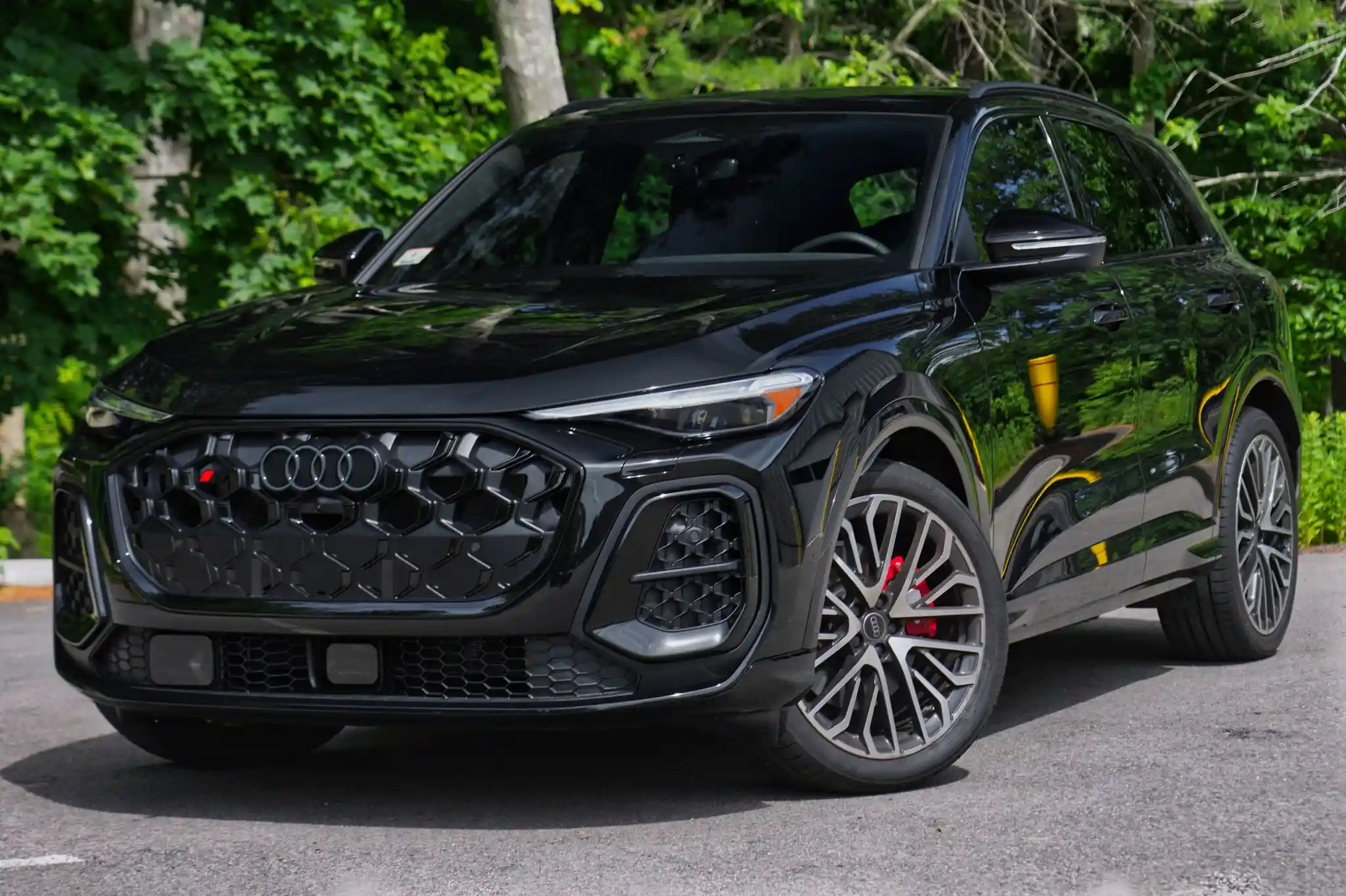
Add Car Alarm Protection
Starting at $199Compatible alarm functionality during a qualifying Remote Start installation.
Add Alarm to My Remote Start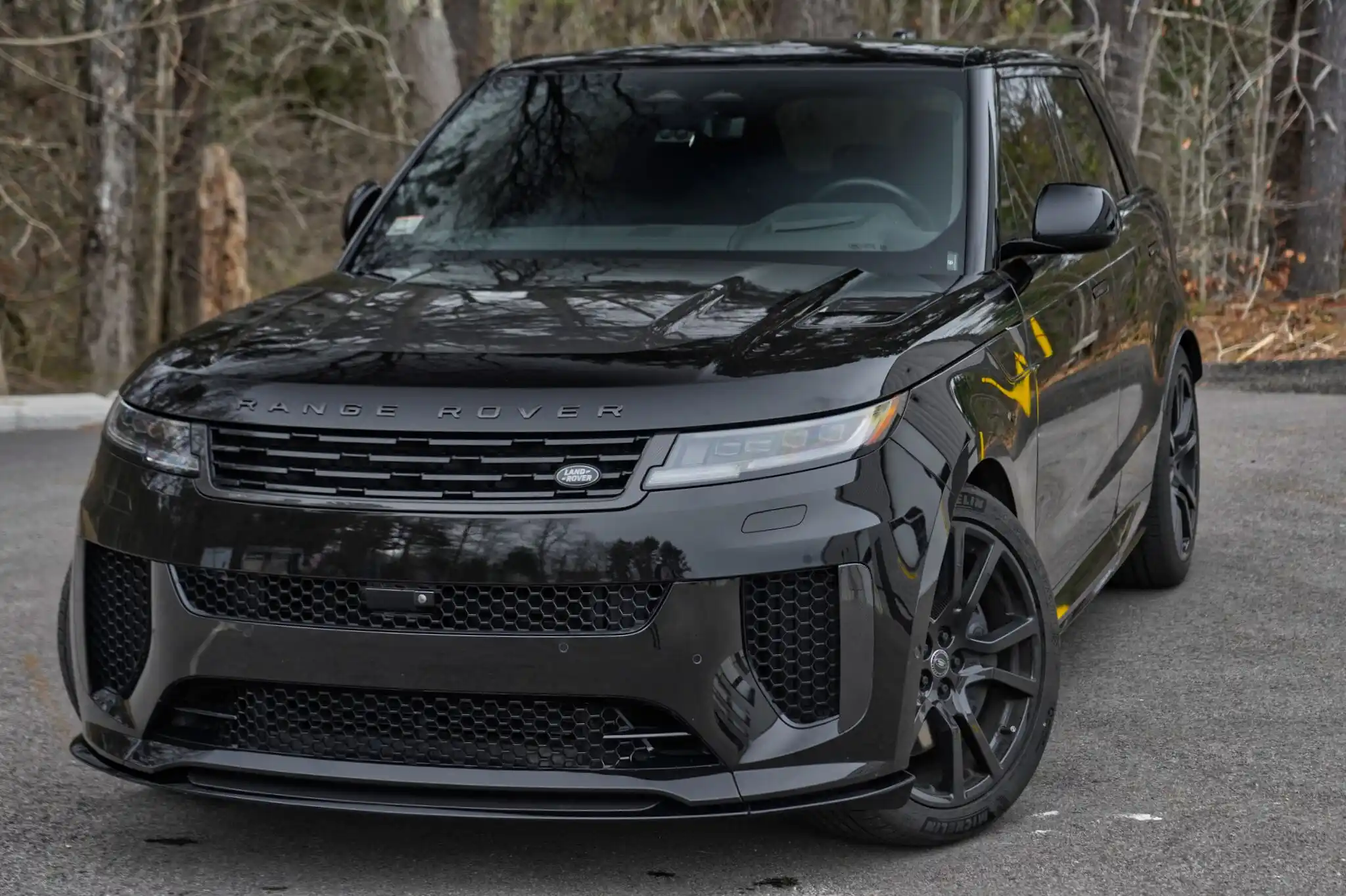
Add phone control, alarm protection, a different remote, factory-key operation, or compatible comfort features. We’ll confirm what your vehicle and current system support.
Call 617-431-6858Compatible alarm functionality during a qualifying Remote Start installation.
Add Alarm to My Remote Start
or as low as $38/mo
Add Drone X2 during the same compatible Compustar installation for supported phone control. X2MAX is also available. Active service required.
Explore DroneMobile
Review one-way, two-way, LCD, and longer-range options for your existing system.
Explore Remote Upgrades
Review supported heat, defrost, doors, liftgate, and vehicle-status functions.
Explore Comfort Options
Keep familiar nearby control on vehicles that support factory-key activation.
Check Factory-Key ControlYour current system may accept a different, spare, or replacement remote, DroneMobile, alarm equipment, or convenience functions.
It may need another antenna, updated interface equipment, programming, repair, or replacement. A remote that looks compatible may not work.
Review My Existing System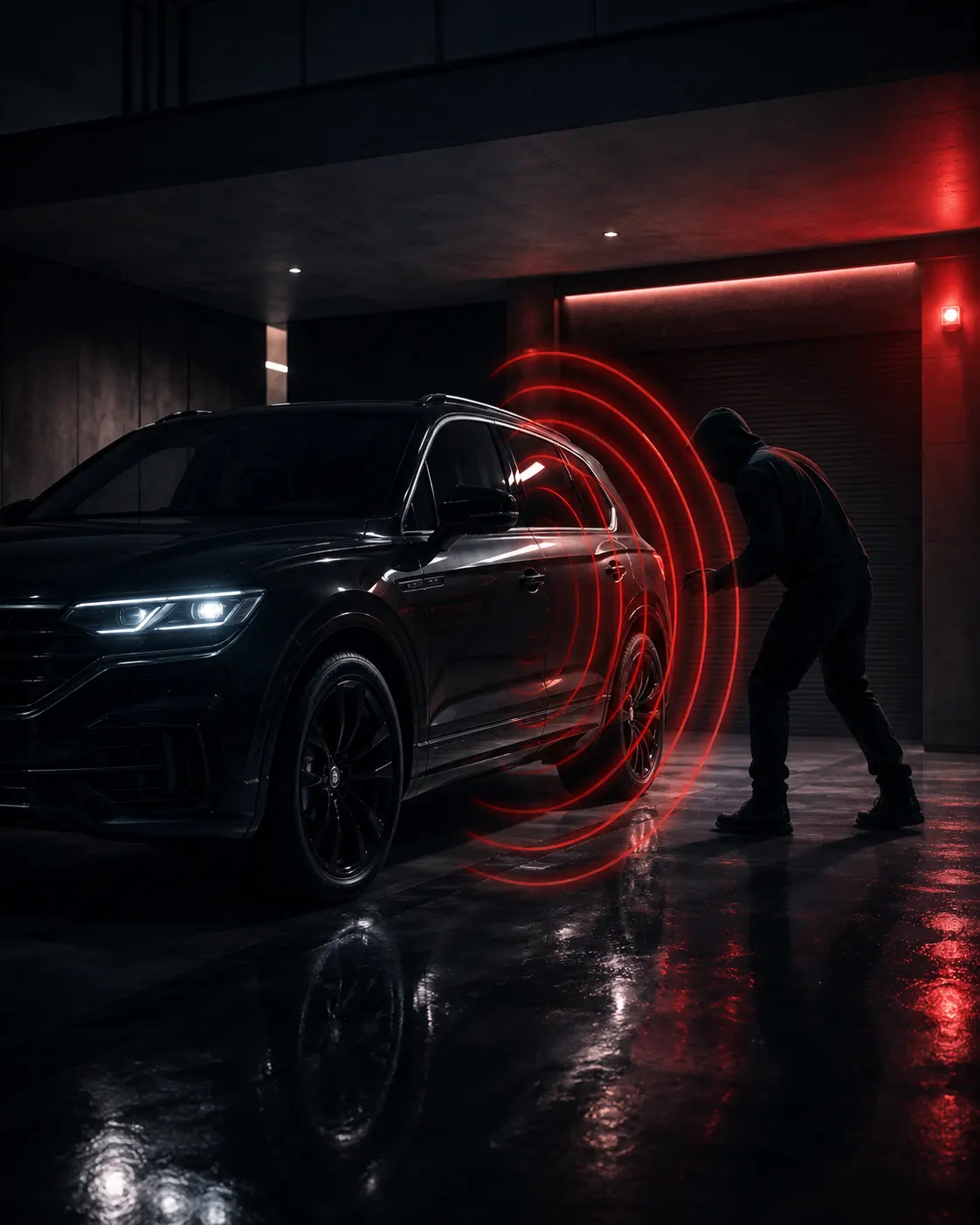
Starting at$199
Added to a qualifying Remote Start installation. If your vehicle and selected Compustar system support it, we can add alarm functionality at the same appointment.
Impact, Tilt, Glass Break, additional sensors, connected alerts, and other security features depend on the selected equipment and vehicle. GPS, IGLA, and SPYNEX are separate options.
Add Alarm to My Remote StartThis is an add-on price. Complete standalone Car Alarm packages start at $449 installed.
Compare Complete Car Alarm PackagesAdding Drone during your Compustar installation?
Drone X2+$225installed
or as low as $38/mo
Drone X2MAX: +$325 installed or as low as $54/mo.
These add-on prices apply only during the same compatible Compustar installation. Active service is required; subscription costs are separate.
Adding Drone later? A separate installation appointment uses standard installed pricing, even if compatible Compustar equipment is already installed: Drone X2 from $395 installed or as low as $66/mo; Drone X2MAX $495 installed or as low as $83/mo.
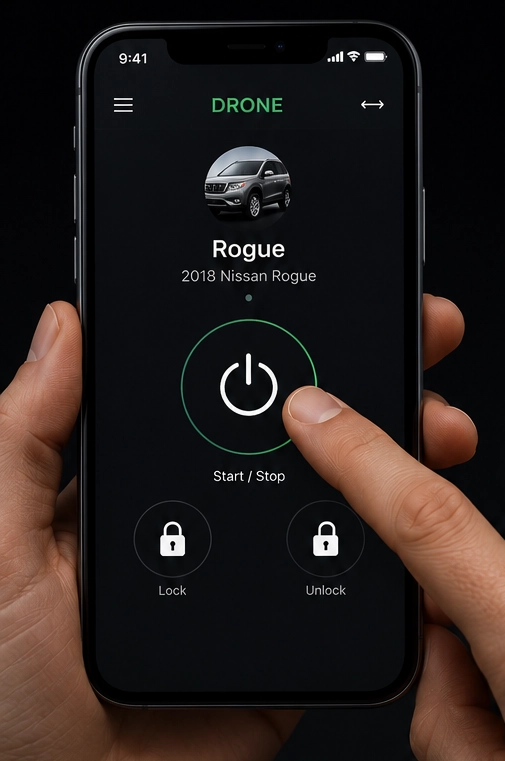
DroneMobile can add supported Remote Start, lock, unlock, vehicle status, and eligible auxiliary functions.
You need compatible hardware, supported vehicle commands, an account, active service, phone permissions, and available LTE coverage. Check your current kit first: hardware or a trial may already be included.
A handheld remote and DroneMobile can both be useful.A remote offers quick local control without cellular service. Your phone provides another option beyond practical handheld range when coverage is available.
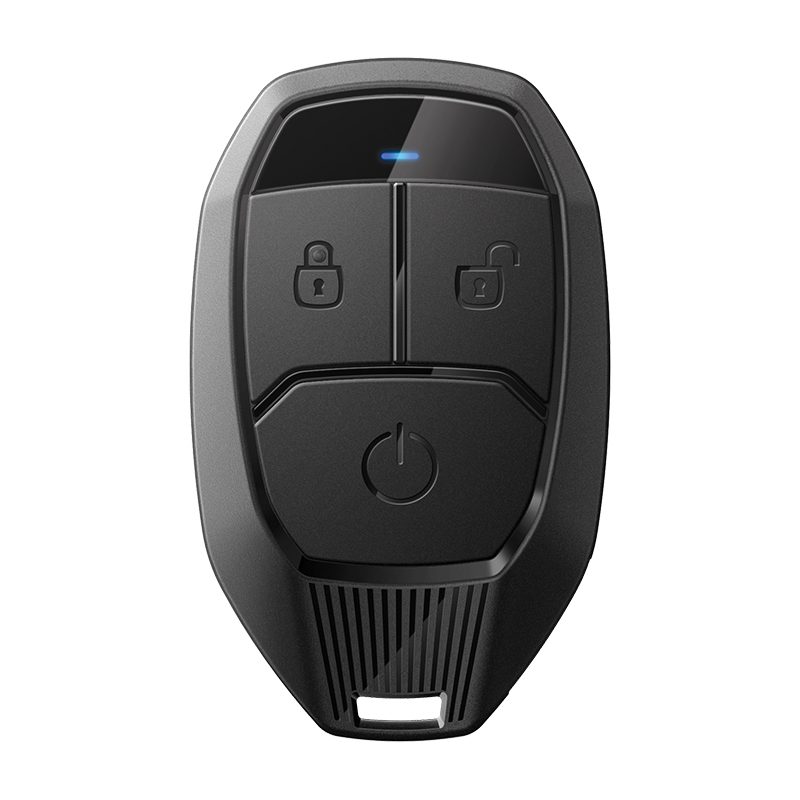
Simple local control. No return confirmation.
Up to 1500 feetAdvertised maximum RF range
1WG18R-AMReview PRO 1WG18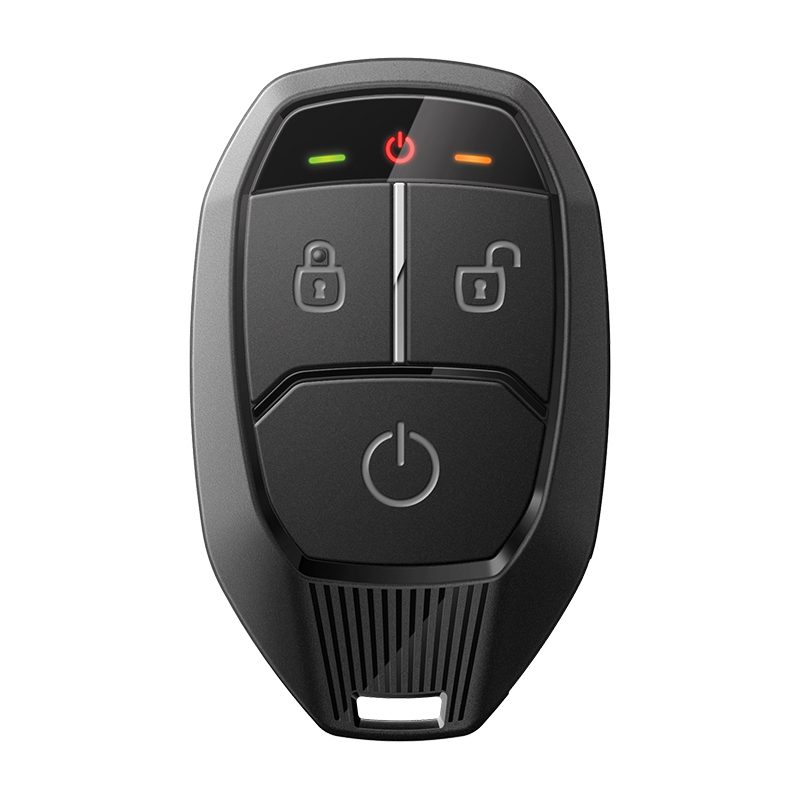
Compact LED and audible confirmation. No LCD.
Up to 3000 feetAdvertised maximum RF range
2WG18R-FMReview PRO 2WG18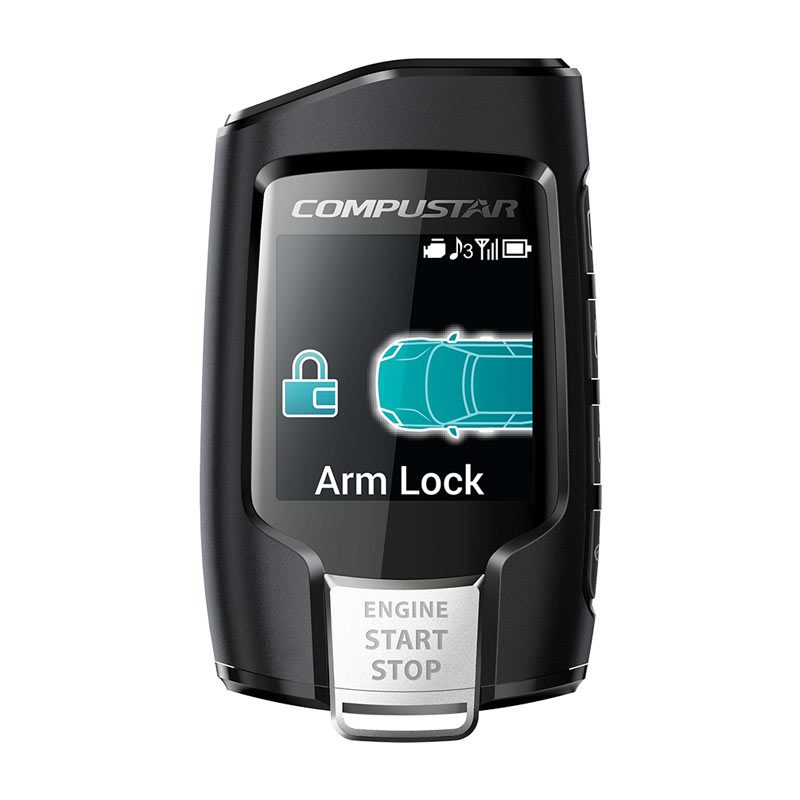
Readable supported feedback on a color screen.
Up to 3000 feetAdvertised maximum RF range
2WQ9R-FMReview Q9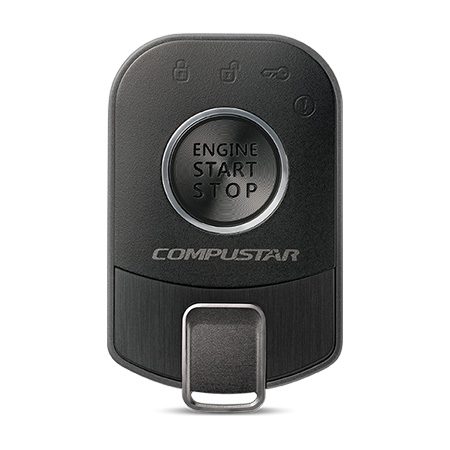
Longer handheld range without an LCD.
Up to 2 milesAdvertised maximum RF range
2WR5R-SFReview PRO R5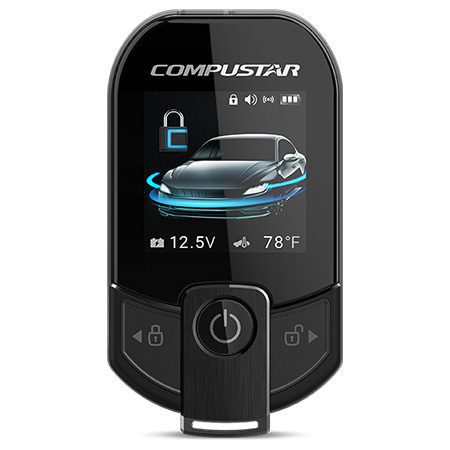
Longer handheld range with a color screen.
Up to 3 milesAdvertised maximum RF range
2WT13R-SFReview PRO T13Price depends on the controller, antenna, generation, remote kit, availability, LTE or non-LTE configuration, programming, hardware, and labor. We confirm what is included once.
Q9 warranty terms differ from eligible PRO remotes. R5 and T13 charging and operation are demonstrated at pickup.
Buildings, concrete, steel, terrain, interference, line of sight, underground parking, weather, battery condition, and vehicle placement can reduce range. A longer-range remote does not guarantee building penetration.
Confirmation is not a cabin-temperature reading or proof the vehicle ran for the entire cycle. GPS does not extend handheld range.
Some vehicles support factory-key Remote Start alongside the installed system. Keep familiar control for nearby use without an extra remote.
Check Factory-Key ControlPractical RF range is usually shorter. It does not automatically add two-way confirmation, DroneMobile, GPS, or a Car Alarm. Locks, entry, shutdown, and takeover remain vehicle-specific.
We check supported controls and your vehicle’s automatic climate behavior.
Factory climate logic may determine when each function runs.
A release command differs from powered opening and closing; factory safety behavior still applies.
Supported readings depend on sensors and the remote or app. A reading may not reflect the whole cabin.
Availability depends on the vehicle, kit, and supported behavior. These are not universal inclusions.
Some vehicles keep running; others shut down and require a normal restart before driving.
Availability depends on trim, vehicle programming, factory HVAC logic, outside temperature, last-used settings, supported data, installed equipment, and manufacturer behavior. Each requested function is confirmed individually.
Review My Comfort OptionsDetect + alert. Review the compatible upgrade above.
Explore Car Alarm
Location awareness. It does not prevent theft or guarantee recovery.
Explore GPSSeparate owner authorization intended to help prevent unauthorized driving.
Explore IGLA / SPYNEX
Video evidence within the camera’s field of view.
Explore DashcamA premium remote does not add these protections. Equipment and service plans are separate; we review Remote Start and immobilizer behavior together.
Identify existing equipment, requested changes, and the approved written quote.
Integrate compatible hardware and test controls, safety, entry, and comfort behavior.
Review operation, charging or batteries, selected DroneMobile functions, comfort, takeover, safe use, warranty, and support.
Manufacturer product coverage and installation responsibility are separate. Keep your invoice and complete applicable registration. Ask about financing for your approved installation.
Never use Remote Start in an enclosed or attached garage, even with the door open. Keep exhaust clear of snow, ice, and debris.
Never leave children, pets, or anyone needing supervision unattended because the vehicle is running. Use the app only when safely parked; follow local idling rules and the demonstrated owner routine.
Keep remote batteries charged or replaced. Contact us about changes after vehicle service or electrical work. Customer-supplied work requires preapproval and follows separate installation and warranty terms.
Customer-supplied installation policiesStart with what you want to change: alarm protection, phone control, remote feedback or range, factory-key operation, or comfort. We check the vehicle and current system before quoting.
On qualifying vehicles and compatible Remote Start installations, alarm functionality can be added starting at $199 at the same appointment. This is an add-on price. Standalone Car Alarm packages start at $449 installed. Equipment and detection features depend on the vehicle and selected configuration.
Often, after we identify the controller, antenna, system generation, and compatible remote family. Availability, programming, and additional hardware can affect the answer. Similar-looking remotes are not necessarily compatible.
Yes, with compatible hardware and active service. A later appointment uses standard installed pricing: Drone X2 from $395 installed or as low as $66/mo; Drone X2MAX $495 installed or as low as $83/mo, even if compatible Compustar equipment is already installed. The lower add-on prices apply only during the same compatible Compustar installation. Your quote identifies included hardware and service responsibilities. Phone control does not automatically include GPS or alarm alerts.
Some vehicles support it, usually with the factory remote’s shorter range. It does not automatically provide return confirmation, smartphone control, GPS, or a Car Alarm.
Possibly. Trim, factory climate logic, temperature, settings, programming, and supported integration determine the behavior. We confirm each feature before promising it.
Not guaranteed. Advertised maximum RF range does not predict reception through concrete, steel, or underground parking. We review your actual parking situation; cellular control also needs coverage.
Each needs individual review. Manuals require approved safety equipment and an owner routine. Diesel warm-up varies; hybrids and EVs may use factory climate preconditioning.
No. Remotes provide control and feedback. Alarm detection, GPS tracking, immobilizers, and dashcams need separate compatible equipment and, where applicable, active service.
Most upgrades receive a vehicle- and system-specific quote covering the controller, antenna, remote family, hardware, programming, and labor. Complete-system retail prices are not remote-upgrade prices. Included parts are counted once.
Tell us what you drive, what is already installed, and what you want to add. We’ll confirm compatibility and pricing before scheduling.
244 North Main Street
Raynham, MA
Monday–Friday · 9 AM–6 PM
Check your vehicle and request details in the form before sending.
Form not loading? Open the contact form in a new tab.
244 North Main Street · Raynham, MA 02767
Monday–Friday · 9 AM–6 PM
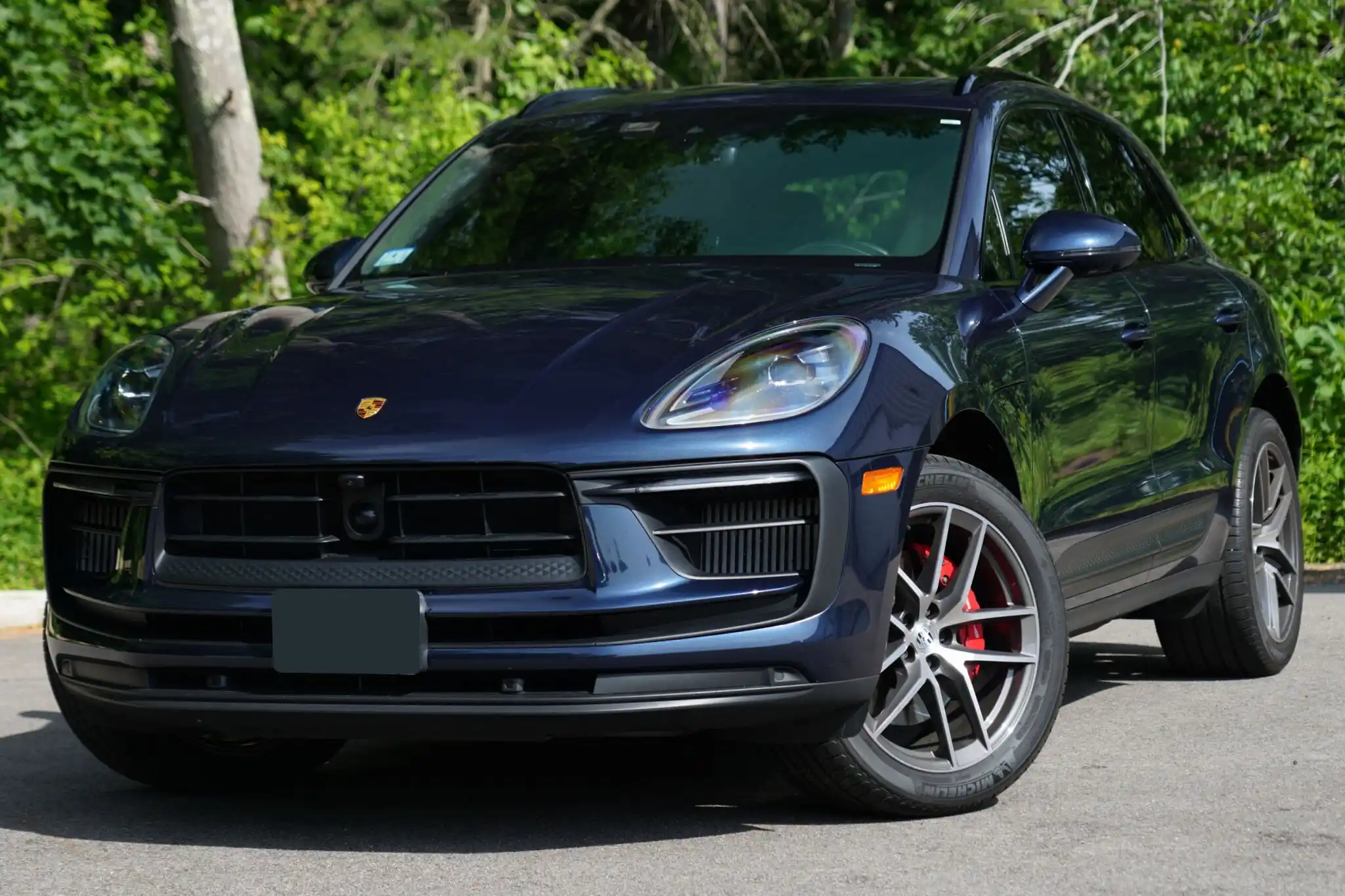
Choose between simple commands, compact confirmation, and screen feedback.
Read article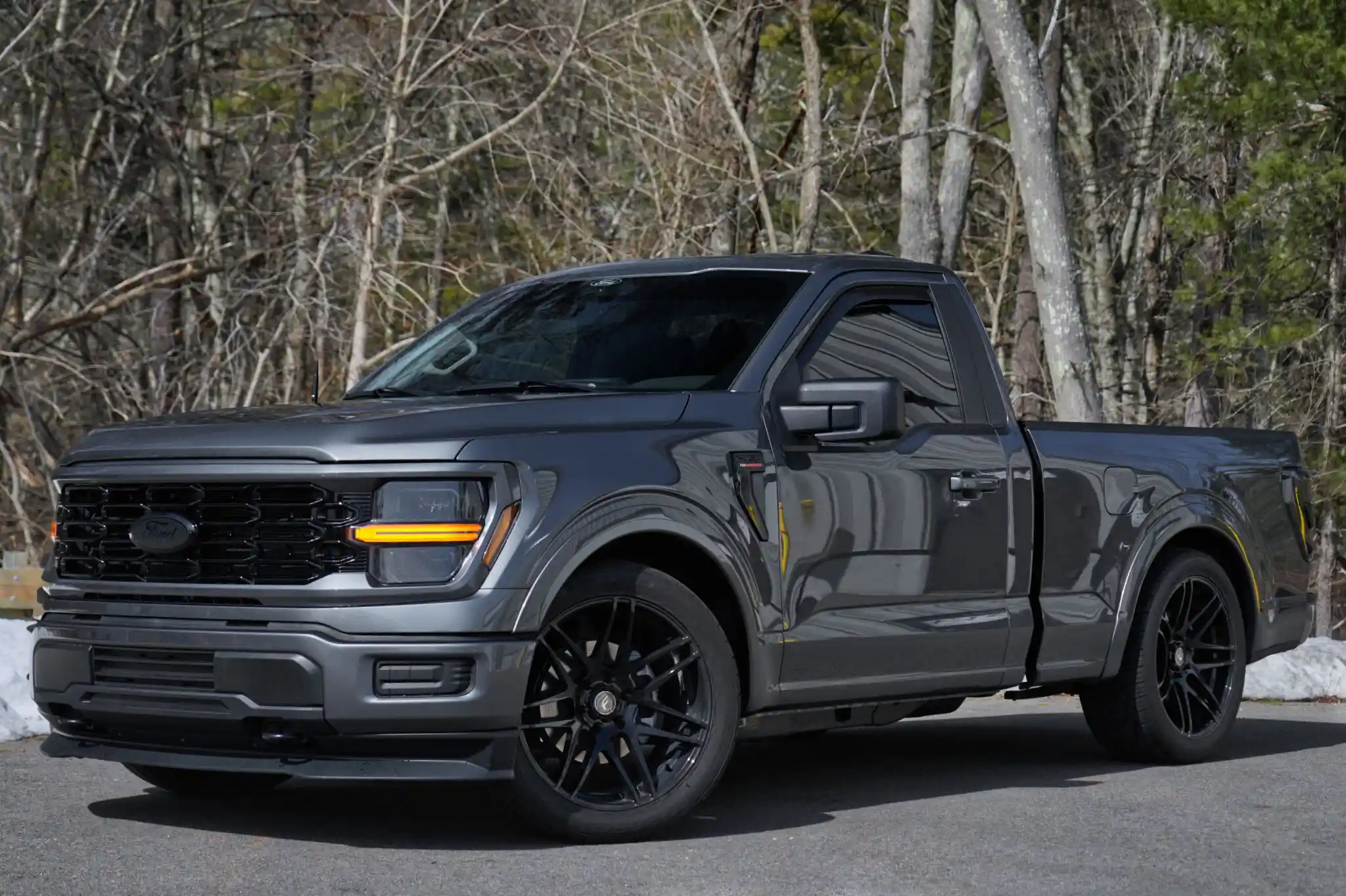
Learn why the exact vehicle controls which features are available.
Read article