
Remote Start
Start a compatible vehicle from your phone. Heating, cooling, heated seats, defrost, and takeover depend on your vehicle; no specific cabin temperature is promised.
Add supported Remote Start, lock and unlock, vehicle status, and other controls through the DroneMobile app.
Compatible installed hardware and active service required.
Start a compatible vehicle from your phone. Heating, cooling, heated seats, defrost, and takeover depend on your vehicle; no specific cabin temperature is promised.

Send supported door-lock commands when you are beyond practical handheld RF range and cellular service is available.
Check available information such as lock status, battery voltage, or interior temperature. Not every vehicle supplies every reading.
Ask about eligible trunk, liftgate, and auxiliary functions for your exact vehicle and installed system.
Keep the physical remote. A Compustar remote remains useful for quick nearby control. Many customers use both.
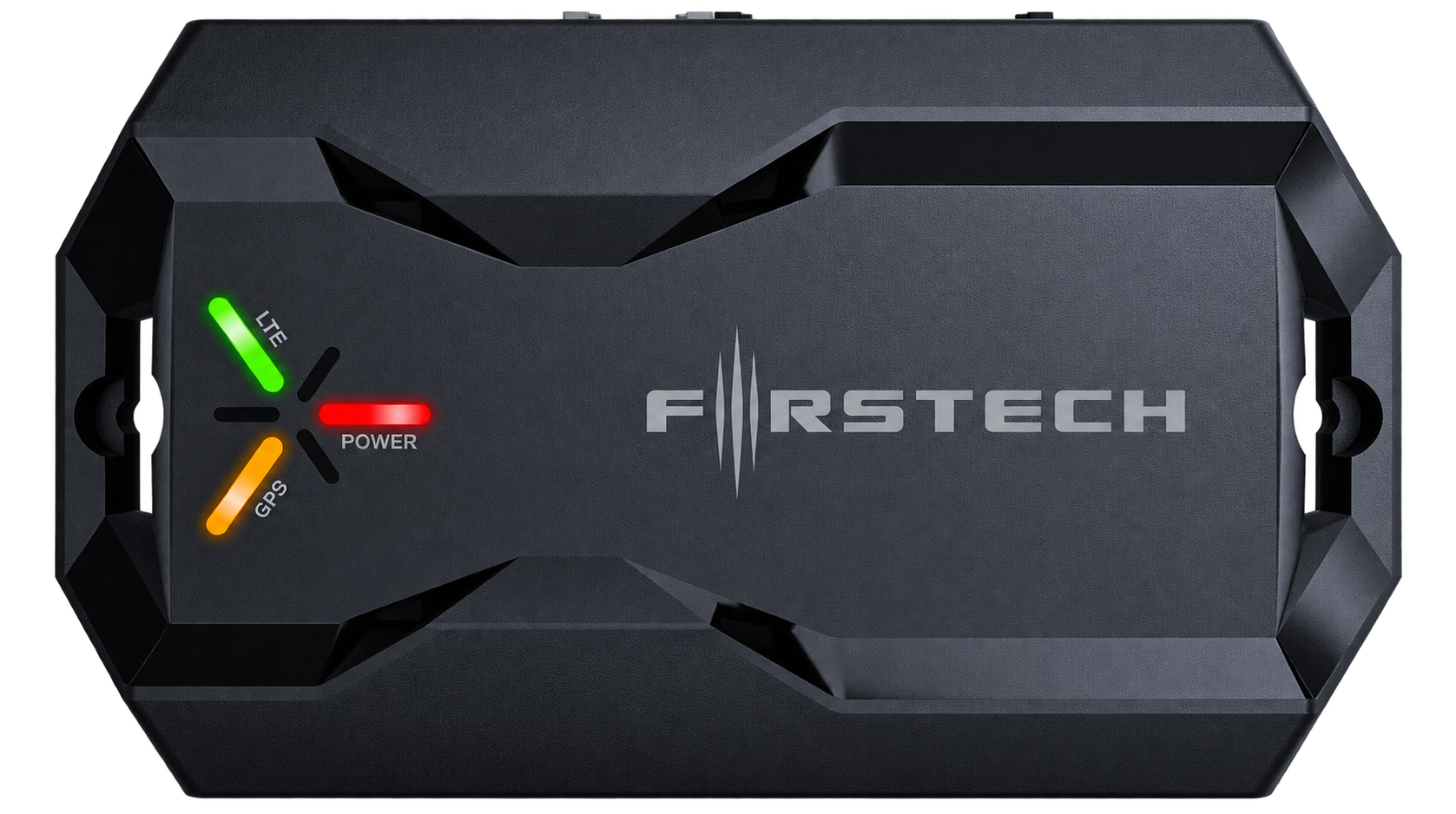
Your vehicle and existing equipment must support the requested commands.
A professionally installed module connects the vehicle to DroneMobile. It is not just an app.
You need an account, smartphone access and permissions, and an available LTE connection.
Eligible service is separate from installation. An applicable 30-day trial lets you try connected features; continued use requires active service.
Cellular coverage, command delivery, and notification delivery can be delayed or unavailable, particularly inside structures or in poor-signal locations.
Add-on price+$225installedor as low as $38/mo
Connect your new Compustar setupAdd Drone X2 during the same compatible Compustar Remote Start or alarm installation for supported phone control and GPS capability.
Free 30-day Premium trial where applicable
Owners adding phone connectivity during their compatible Compustar Remote Start or alarm installation.
Your compatible Compustar equipment supplies the controls and alarm detection. X2 connects them to your phone.
Add Drone During My InstallationFrom$395installedor as low as $66/mo
Connected GPS + vehicle awarenessLTE connectivity and built-in GPS in a compact module. Installed on its own, X2 focuses on tracking and vehicle awareness.
Free 30-day Premium trial where applicable
Drivers who mainly want GPS / location capability and a straightforward connected foundation.
X2 by itself does not add Remote Start, lock / unlock control, or Car Alarm detection. Those need compatible connected equipment.
Quote Drone X2Installed price$495installedor as low as $83/mo
Advanced tracking + securityLTE + GPS with onboard sensing, backup power, and supported vehicle-health information for more capable standalone tracking.
Free 30-day Premium trial where applicable
Drivers who want standalone tracking with its own security sensing and supported vehicle-health information.
Vehicle-health readings vary by supported vehicle. Remote Start and lock / unlock still need compatible equipment.
Quote Drone X2 MaxNeither standalone module adds Remote Start by itself. Smartphone Remote Start, lock / unlock, and related vehicle controls require compatible Remote Start / security equipment and supported vehicle integration.
| Feature | Drone X2 | Drone X2 Max |
|---|---|---|
| LTE + GPS + DroneMobile app | Included | Included |
| Standalone GPS tracking | With eligible service | With eligible service |
| Phone Remote Start / lock / unlock | Needs compatible Remote Start / security equipment | Needs compatible Remote Start / security equipment |
| Alerts from a connected alarm | Supported with compatible alarm equipment | Supported with compatible alarm equipment |
| Onboard security sensing | No sensors in X2 itself; connected alarm equipment supplies detection | Built-in shock / impact, tilt, glass-break, and towing sensing |
| Built-in backup battery | No | Yes; limited backup power |
| Advanced vehicle-health data | No X2 Max-style vehicle-health features | CAN integration; fuel level, tire pressure, true odometer, and diagnostic trouble codes where supported |
| Installation options | Standard X2 installation | OBD-II or hardwired; CAN Hi / Lo integration where supported |
| Added during the same compatible Compustar installation | +$225 installed or as low as $38/mo | +$325 installed or as low as $54/mo |
X2 is our standard connected add-on during a compatible Compustar installation, or a core standalone tracker.
X2 Max is available during a compatible Compustar installation or as a standalone tracker, with its own sensing, backup power, and supported vehicle-health readings.
Backup power: X2 Max can support applicable connected / security functions for a limited period if vehicle power is interrupted. Runtime and notification delivery are not guaranteed.
Vehicle health: On supported vehicles, readings may include fuel level, tire pressure, true odometer, and diagnostic trouble codes. Available CAN / OBD data, installation method, firmware / product support, and applicable plan features determine what you see.
Security sensing: Sensors do not physically prevent theft or guarantee detection of every event. X2 Max is not equivalent to every feature of a fully configured Compustar Car Alarm.
Same-installation add-ons: During the same compatible Compustar installation, Drone X2 is +$225 installed or as low as $38/mo; Drone X2MAX is +$325 installed or as low as $54/mo.
Adding Drone later? A separate installation appointment uses standard installed pricing, even if compatible Compustar equipment is already installed: Drone X2 from $395 installed or as low as $66/mo; Drone X2MAX $495 installed or as low as $83/mo.
Vehicle, system generation, interfaces, selected features, existing electronics, installation condition, and extra equipment affect the final quote. Subscriptions are separate. After the applicable free 30-day Premium trial, continued LTE-connected functions require active paid service.
Monthly examples use 6-month financing, rounded to the nearest dollar. Taxes, additional equipment, and subscriptions are separate. Subject to credit approval and current terms. Pay the promotional balance in full within 6 months to avoid interest charged from the purchase date. Minimum monthly payments apply. Ask for details.
Some complete Compustar packages already include DroneMobile hardware. Compare the whole system before adding equipment twice.
Remote Start, locks, supported status, and auxiliary controls. These are the focus of this page.
Get Phone Control
Want location, trips, or geofencing too? Appropriate hardware and active plan features can add location, history, boundaries, and movement information. GPS does not prevent theft or guarantee recovery.
Explore DroneMobile GPS
Want your phone to hear from the alarm? X2 relays supported events from compatible alarm equipment through eligible service. X2 Max also has onboard sensing. Phone control alone does not add detection.
Explore Alerts & Tracking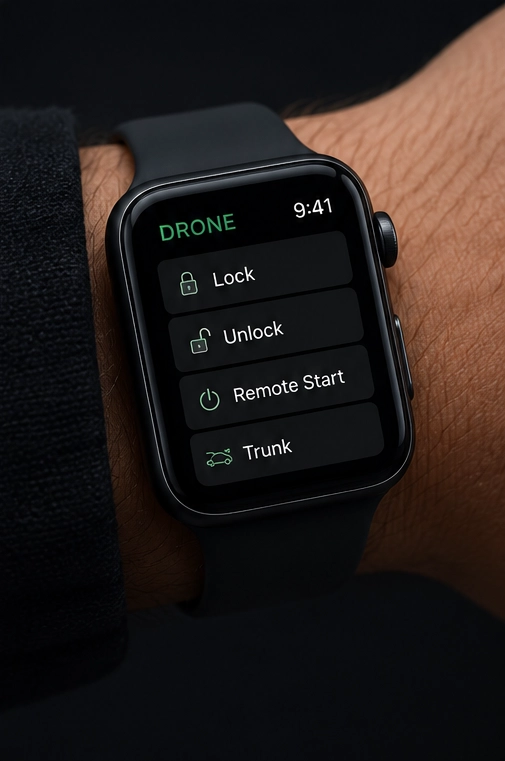
Compatible smartwatch platforms can offer supported controls. Availability varies by device, app, equipment, and service.
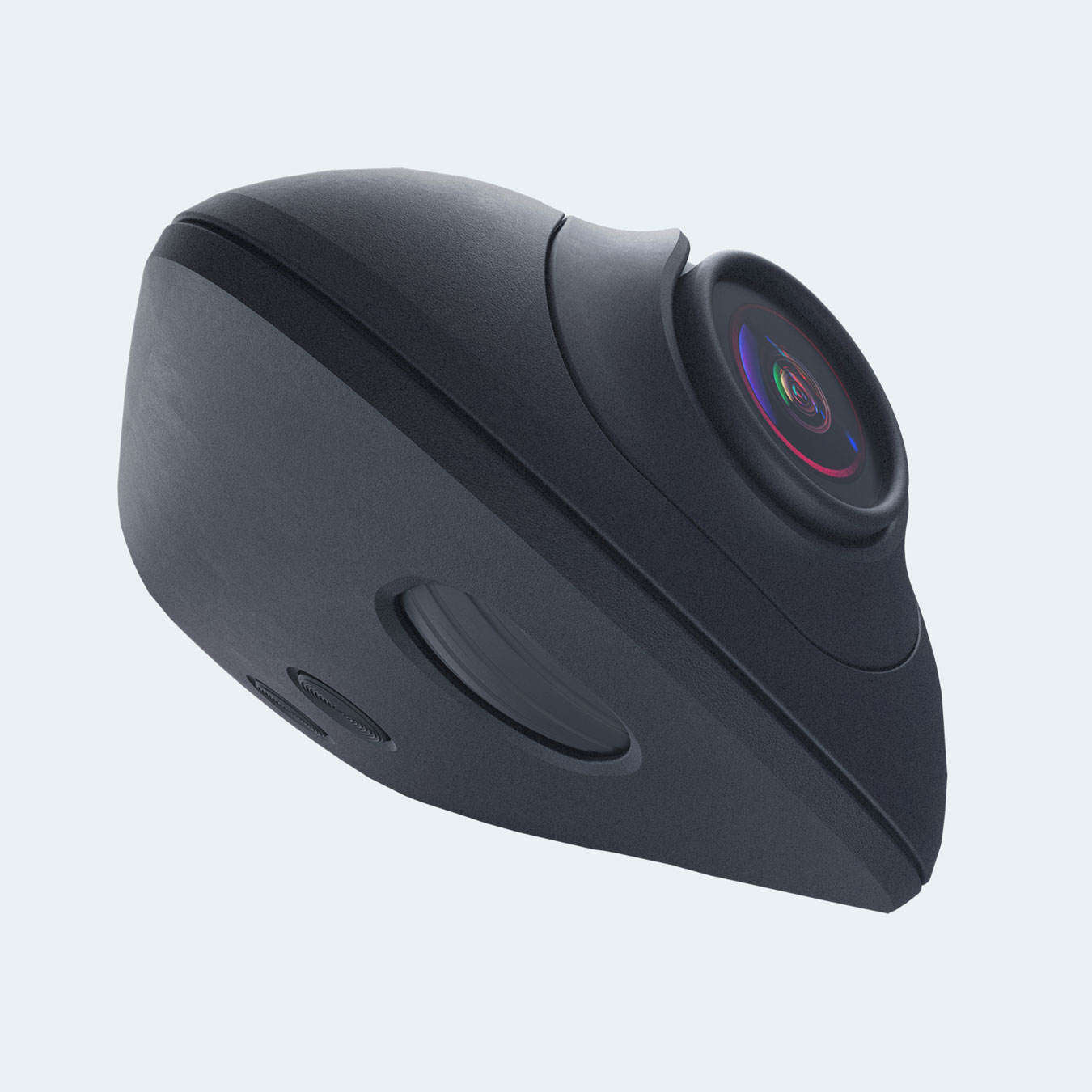
Drone XC adds recording and eligible GPS, LTE, live-view, and cloud functions, depending on hardware and service.
Explore Drone XCWe review combined Remote Start and immobilizer behavior together. No one layer performs every job.
Tell us the year, make, model, trim, and starting method, plus any factory Remote Start, Compustar equipment, aftermarket starter, alarm, or other electronics.
We review system generation, electrical condition, requested phone controls, GPS, and security needs. You do not need to choose technical modules yourself.
Check My VehicleAt handoff, we review your app setup, permissions, supported commands, Remote Start and physical remote behavior, selected GPS or alerts, and support.
You manage your own login. Do not send us passwords, PINs, or private access credentials.
Keep eligible service, account access, and phone permissions active. Plan changes or expiry can affect controls, tracking history, alerts, cloud functions, and connected cameras.
Current official plansHardware coverage and cellular service are different. Registration and qualifying plan terms may affect coverage; Drone XC terms can differ.
Use Remote Start safely. Never run it in an enclosed or attached garage, even with the door open. Keep exhaust clear; never leave children, pets, or anyone needing supervision unattended.
Supported Remote Start, locks, vehicle status, and auxiliary functions through compatible installed equipment. Vehicle integration determines the available controls.
During the same compatible Compustar installation, add Drone X2 for +$225 installed or as low as $38/mo, or Drone X2MAX for +$325 installed or as low as $54/mo. A separate appointment, including adding Drone later to an existing compatible system, uses standard installed pricing: X2 from $395 installed or as low as $66/mo; X2MAX $495 installed or as low as $83/mo. Active service is separate. Vehicle, equipment, features, and integration determine the final quote.
Installing Drone during the same compatible Compustar installation reduces installation labor because the vehicle is already being prepared, wired, programmed, and tested. Returning later is a separate appointment at standard installed pricing, even if the vehicle already has compatible Compustar equipment. Subscriptions are separate.
X2 provides LTE + GPS for standalone tracking or phone control through compatible Remote Start / alarm equipment. X2 Max adds onboard security sensors, backup power, CAN integration, and vehicle-health readings such as fuel level, tire pressure, odometer, and diagnostic trouble codes where supported. Both X2 and X2 Max are available as add-ons during the same compatible Compustar installation, or through a separate installation at standard installed pricing.
Yes. Connected functions require eligible active service after any applicable trial. Expiry can stop phone control, GPS, alerts, or cloud functions until service is renewed. Plan details can change.
No. GPS needs appropriate hardware and plan features. X2 communicates supported events from compatible installed alarm equipment; X2 Max also has onboard sensing. Alerts require eligible active service.
A physical remote can remain useful for quick nearby control without cellular service. DroneMobile adds a phone option beyond practical handheld range when coverage is available.
We identify the system and required integration first. A factory starter alone does not confirm compatibility; additional compatible equipment may be needed.
A compatible combined installation can provide phone control and separate owner authorization. We confirm vehicle-specific Remote Start and immobilizer behavior before quoting.
Yes, where the vehicle and equipment qualify and you are authorized to manage it. Tracking and fleet needs receive their own hardware and service review.
Tell us what you drive, what is installed, and whether you want Remote Start, phone control, GPS, alerts, or a connected camera. We’ll match the hardware to your vehicle.
244 North Main Street
Raynham, MA
Monday–Friday · 9 AM–6 PM
Check your vehicle and request details in the form before sending.
Form not loading? Open the contact form in a new tab.
244 North Main Street · Raynham, MA 02767
Monday–Friday · 9 AM–6 PM